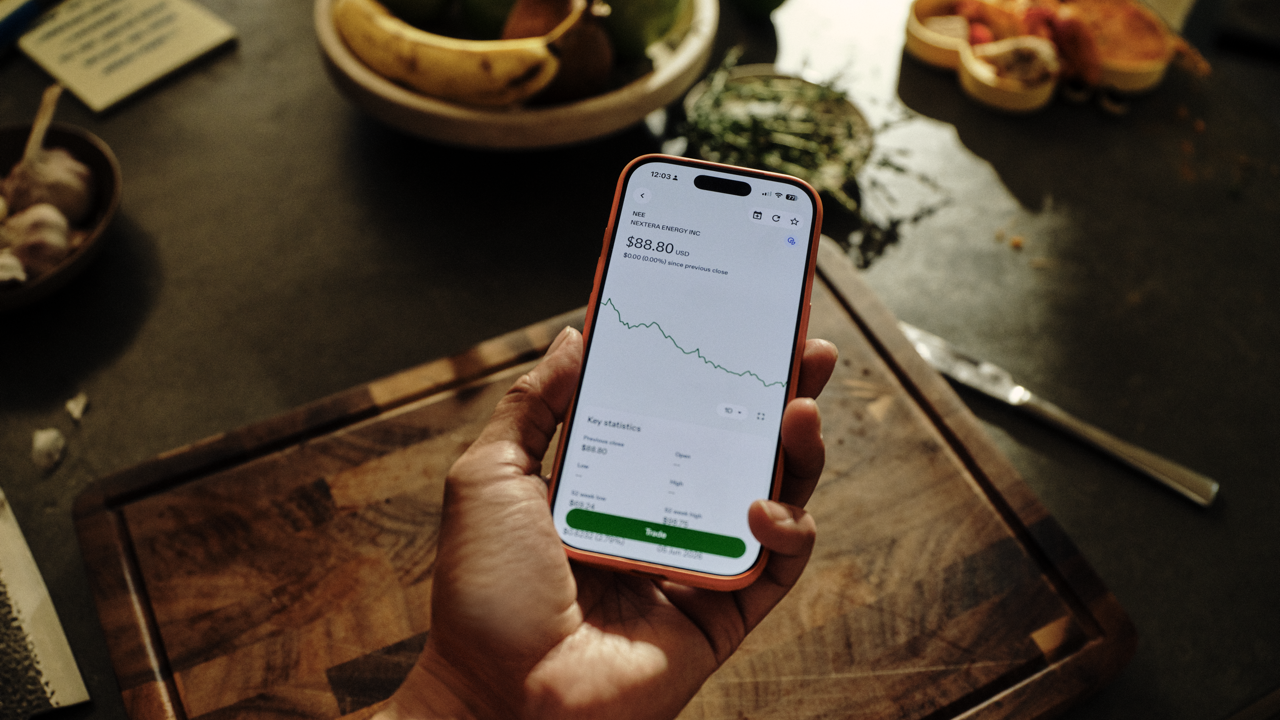
What is Discover and the Explore feed?
Discover is a new section of the Questrade app built around tailored market insights to help you find more trade opportunities, and to learn more about your portfolio. It contains your Explore feed, a personalized news feed shaped by your holdings, watchlist, and preference settings.
Your feed includes news scored by impact and sentiment, upcoming market events, sector performance data, trending stocks, and analyst insights.
Five sections build your Explore feed:
Market news, scored by impact and sentiment. Every news article has an impact rating and sentiment score, so you can trade on any headline.
Upcoming events calendar for earnings calls, dividends, economic releases, and IPOs tied to your holdings and watchlist.
Sector spotlight shows you where the activity is and summarizes what is moving the industries you care about and where the activity is.
Market insights with bullish and bearish summaries surface top trending stocks build a balanced view for you to decide on your next move.
Stocks to watch show you trending stocks shown in order of your preferences—best rated, top gainers, biggest losers, and more.
Setting up your Explore feed
The items in each section of your Explore feed change in order and priority based on your holdings, watchlist, and the preferences you set.
Find your Explore feed in the Discover tab of your Questrade app (version 2.0.0 or later) in the bottom navigation. Download the latest version of the Questrade app in the app store (opens in a new tab).
Setting your preferences
When you first open Discover, you can set topic preferences across three categories: Stocks, Sectors, and Style. Your preferences shape what’s shown first in each part of the feed.
You can skip this step and set preferences later, and change your preferences at any time. Go to Profile > Settings > Preferences > Topics to update your selections.