Advanced orders and Questrade Edge
Published: Oct 17, 2022
Updated: Apr 29, 2025
Learn more about placing advanced order types using our Edge platforms.
If you’re looking to place advanced order types beyond market and limit orders, or are interested in more order durations, you may want to consider using Questrade Edge.Trade options? Looking for advanced charting, studies, bracket orders and more? Questrade Edge has all the tools you need to trade like a pro.
Questrade Edge is available in 3 varieties:
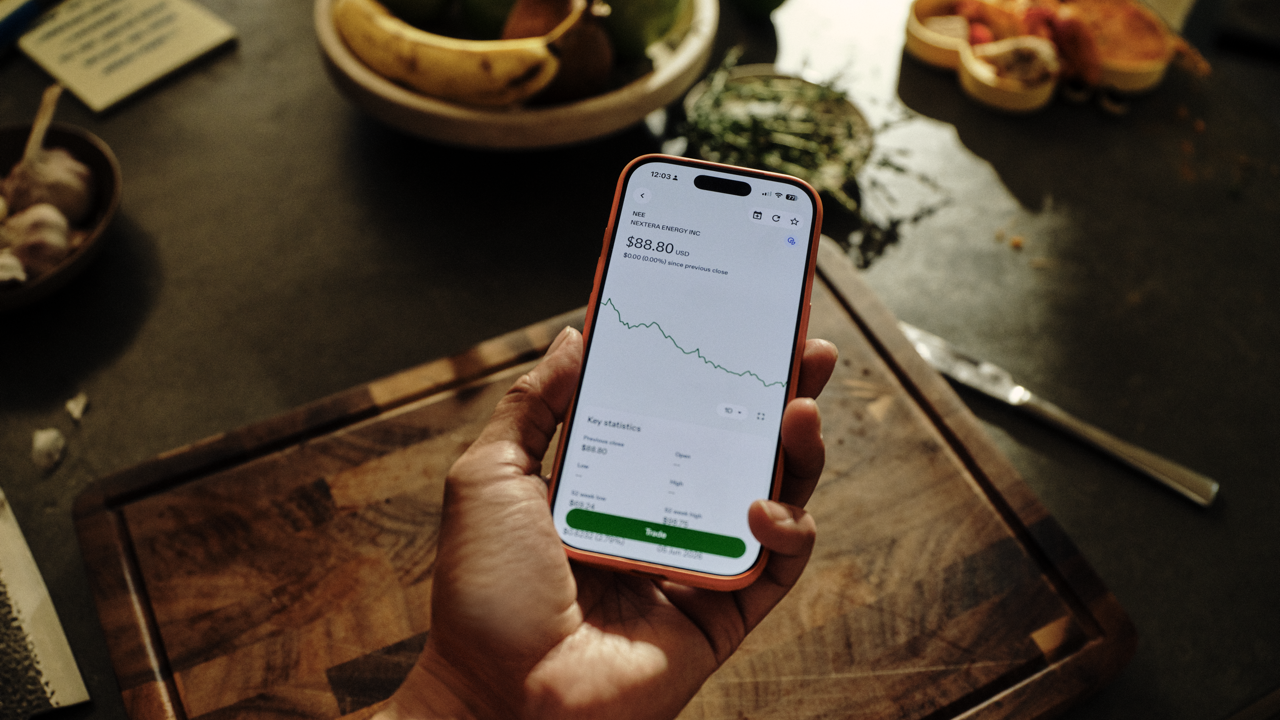
Interested in advanced trading on the go? Edge Mobile has you covered.
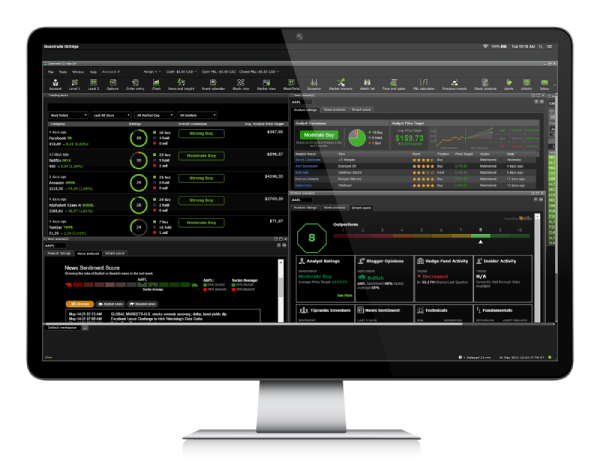
Trade with a multi-monitor setup using advanced charting & level 2 data? Edge Desktop comes packed with all the tools you'll need. Custom screeners, analytics tools, and much more will help you stay ahead of the competition.
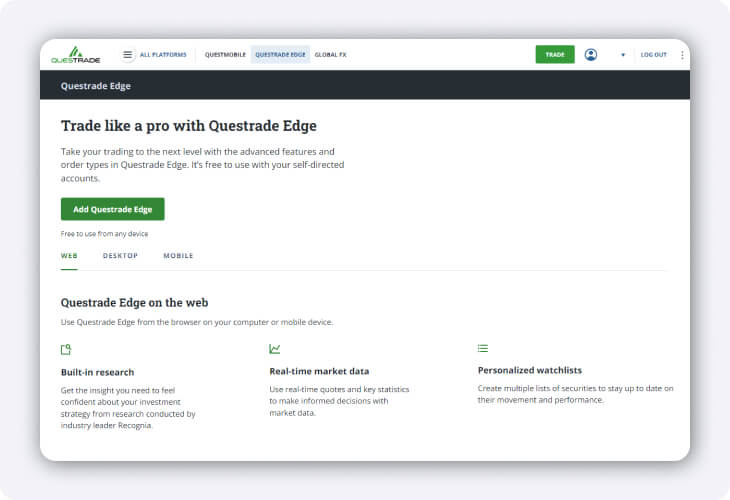
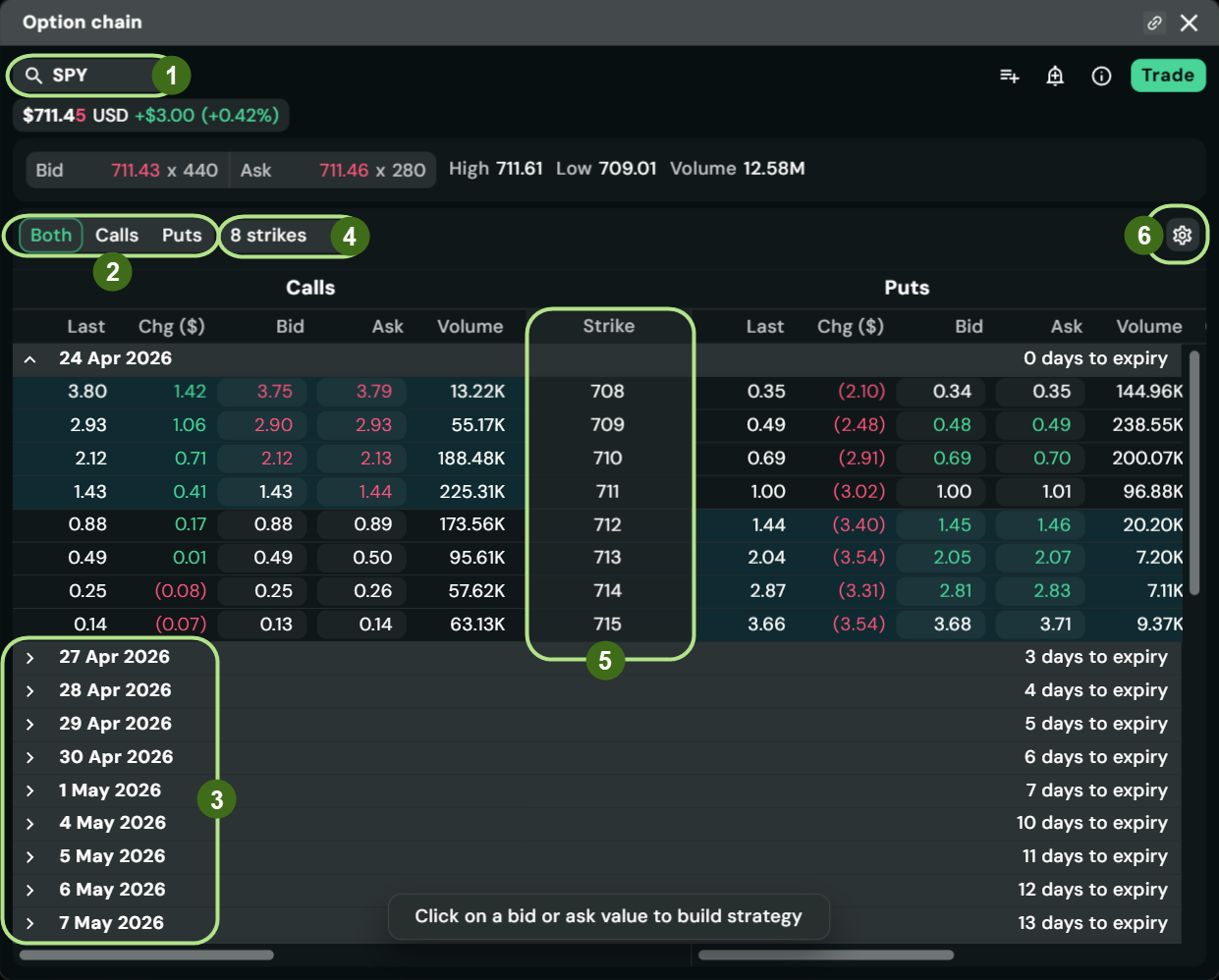
Prefer to trade in a web browser, but still want access to the best tools, charting & advanced options trading capabilities? Edge Web is available on any computer or mobile device, so you can trade like a pro - even at work.
Get our best trading tools with Questrade Plus.
Sign up for Questrade Plus to unlock the full suite of advanced trading tools on Questrade Edge, giving you features like advanced charting, Level 1 market data for U.S. equities and options, and more.
Find the full list of benefits you unlock with Questrade Plus here.
To use Questrade Edge, you’ll first need to enable this free platform in your account.
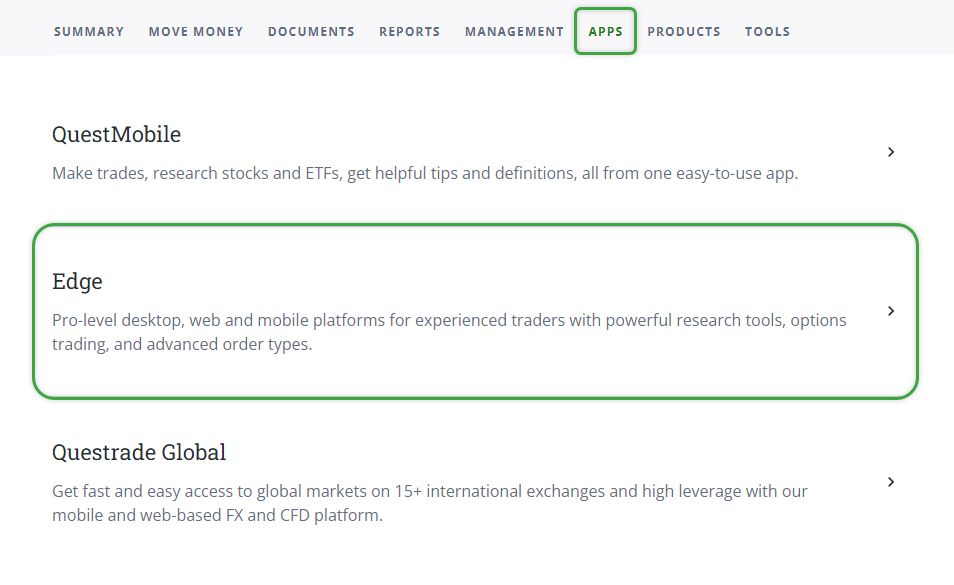
On the top navigation bar, head over to the Apps page. From here, click on Edge.
Once you’re inside the Questrade Edge page, click on the Add Questrade Edge button.
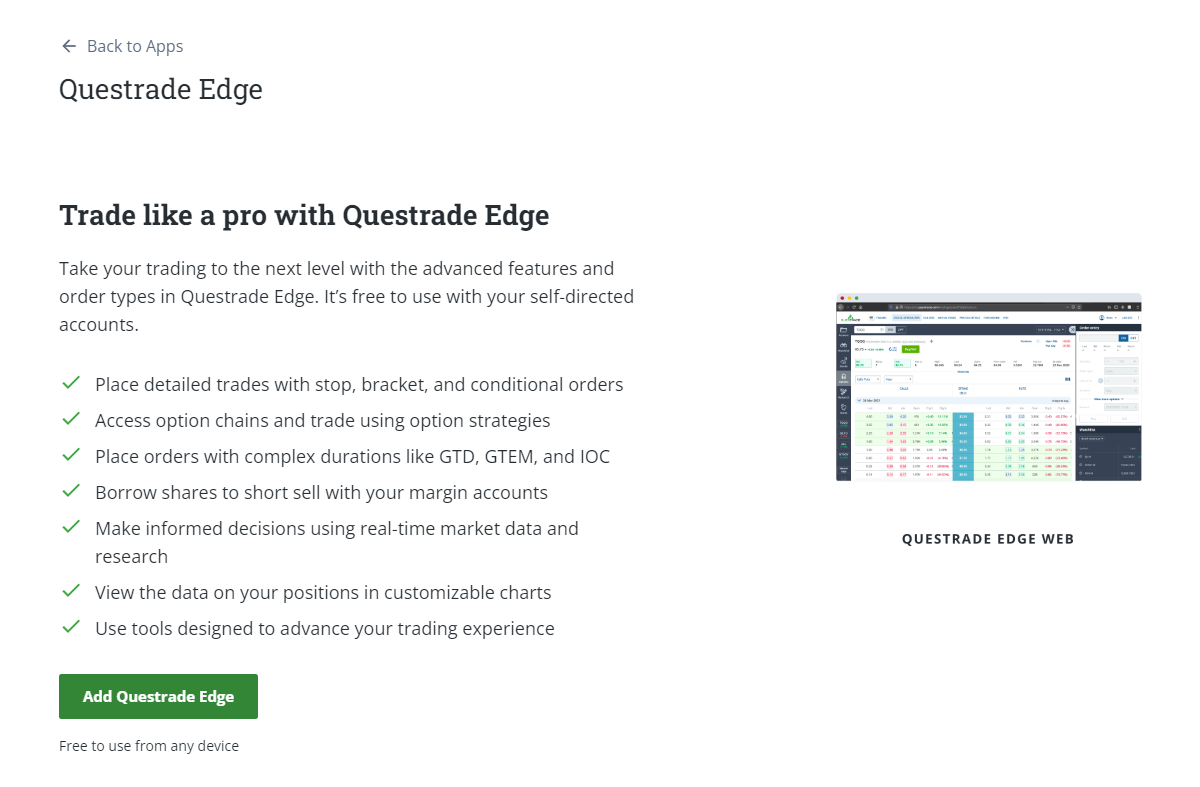
Congratulations! You’ve just added Questrade Edge Web to your platform.
To access Questrade Edge Web, head to your account’s Summary page. From there, you’ll see a Go to Edge Web panel on the right side of the page where you can access it.