How to place a withdrawal request
Published: Oct 17, 2022
Updated: Feb 11, 2025
Learn how to place a withdrawal request on the Questrade website with simple visual instructions.
Placing a withdrawal request in your account is easy. Simply follow the steps:
Log in to your Questrade account
Go to the Move money page in the top navigation, and select the Withdrawal section.
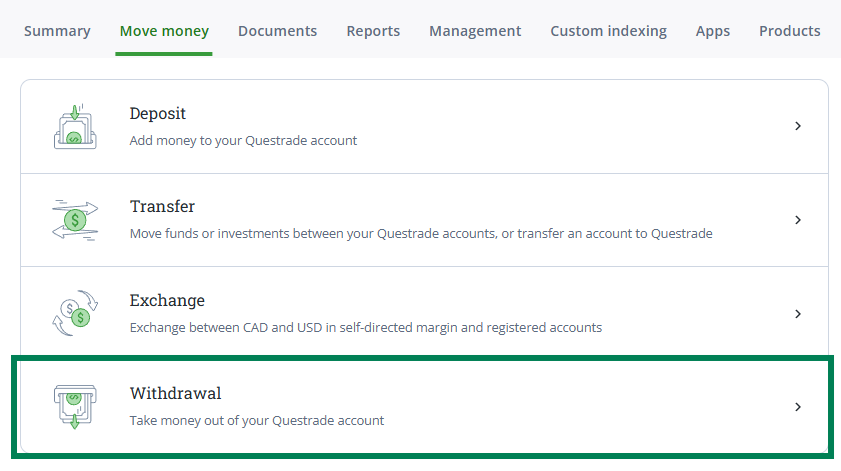
From here, select the account you’re making a withdrawal from at the top of the page. You can also view your balances here for easy reference.
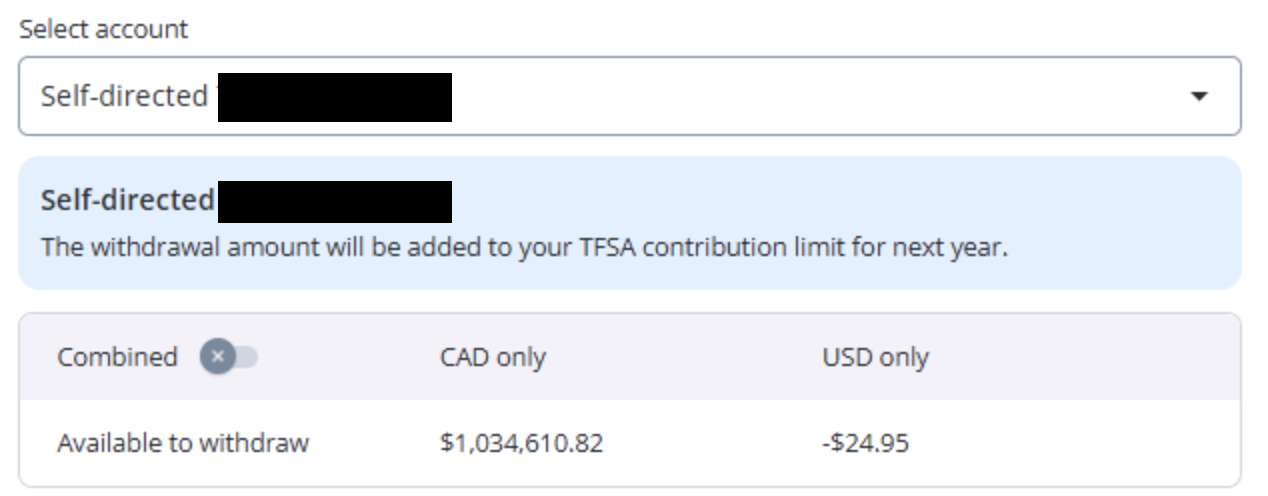
At the top of the balances chart, you can toggle between Combined and Separate view to see the converted balance amounts:

To add a new bank account, please click the + Connect new bank account link below the bank account drop-down and log in to your bank with your banking credentials. We recommend you link your account electronically through our secure service, but you can also manually connect your account.
Please note: If you choose the manual connection option, you must enter your banking details manually, and you are required to upload a void cheque or direct deposit form.
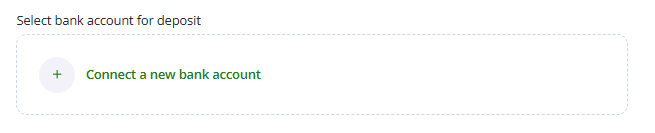
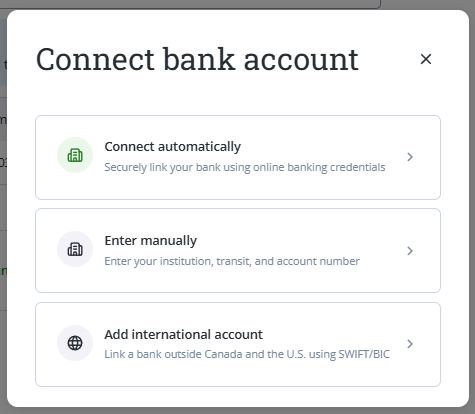
Please allow up to 3 to 5 minutes for the secure service to connect with your bank for the first time, then choose which bank account you’d like to link.
You can add up to 3 bank accounts per currency with this method.
If you have 2SV/2FA set up on your bank accounts, you may be asked for an SMS/email verification code.
Confirm the details for the withdrawal, then click the green CONTINUE button to submit your request.
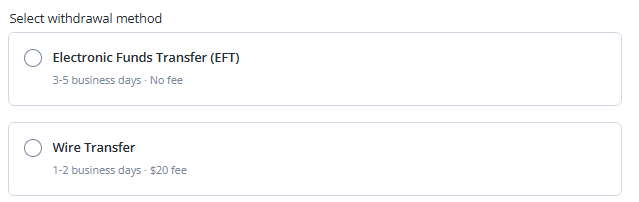
Once you’ve linked your bank account, please select the withdrawal method:
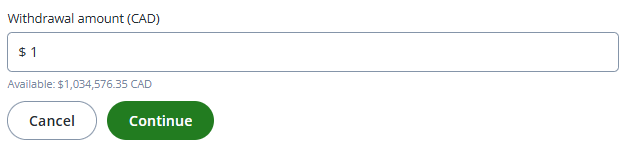
Next, please input the withdrawal amount and click continue
Congratulations! You’ve finished entering your withdrawal request.
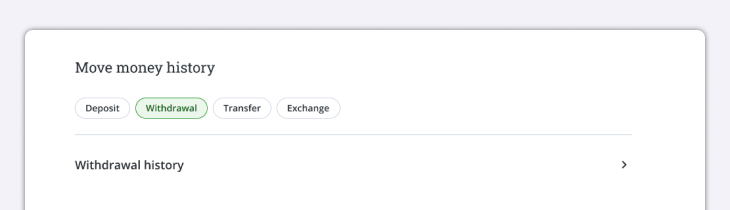
To check on this request and any other withdrawals that are in progress, please head over to the Move money page and select the Move money history section. From there, click on Withdrawal.