Download and install for Windows (PC)
Published: Oct 17, 2022
Updated: Jun 02, 2025
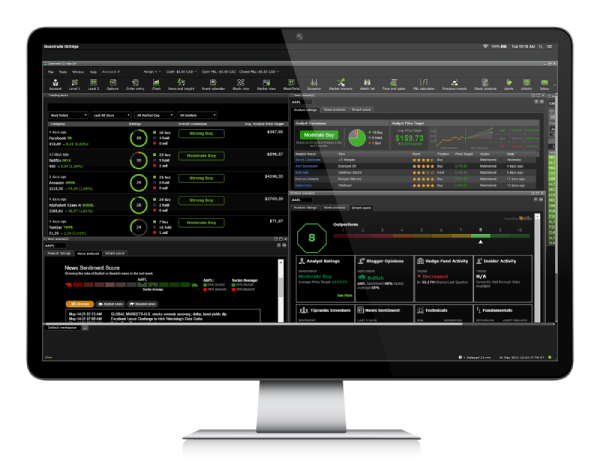
Download and install Questrade Edge Desktop for Windows and start trading like a pro.
Questrade Edge Desktop is available for Windows 64-bit operating systems. Most modern computers are 64-bit, however if you’re unsure or have questions about the installation process, please check out the system compatibility article linked on the right for more details.
If you do not have administrator rights on your computer, please download the .ZIP file installer below.

Windows
Standard installation
(64-bit)
Download for Windows (opens in a new tab)
.ZIP file installation
(64-bit)
Download for Windows (opens in a new tab)
Windows installation instructions
Please follow the instructions below to install Edge Desktop on your computer.
Standard installation
Download the .exe installer file above
Launch the file once it has downloaded
You may need to approve the installation as an administrator of your computer
Once the setup wizard pops up, please follow the on-screen instructions
After completing your installation, open the platform
Enter your login credentials, and start trading
.ZIP file installation
Download the .zip file above
After downloading, open the file, click Extract, then Extract all
Follow the on-screen instructions to extract (unzip) the folder to your computer
After this is completed, open the folder and click on the Questrade Edge Desktop executable file
You can also create a shortcut to this program for your desktop
After launching the program, enter your login credentials and start trading
If you encounter any technical issues during installation, please check out the troubleshooting article linked on the right.