
NOW IN OPEN BETA
Questrade Pro
Power without complexity. Depth without clutter. Customization without friction. All in a workspace that takes the shape of how you trade, because performance is personal.
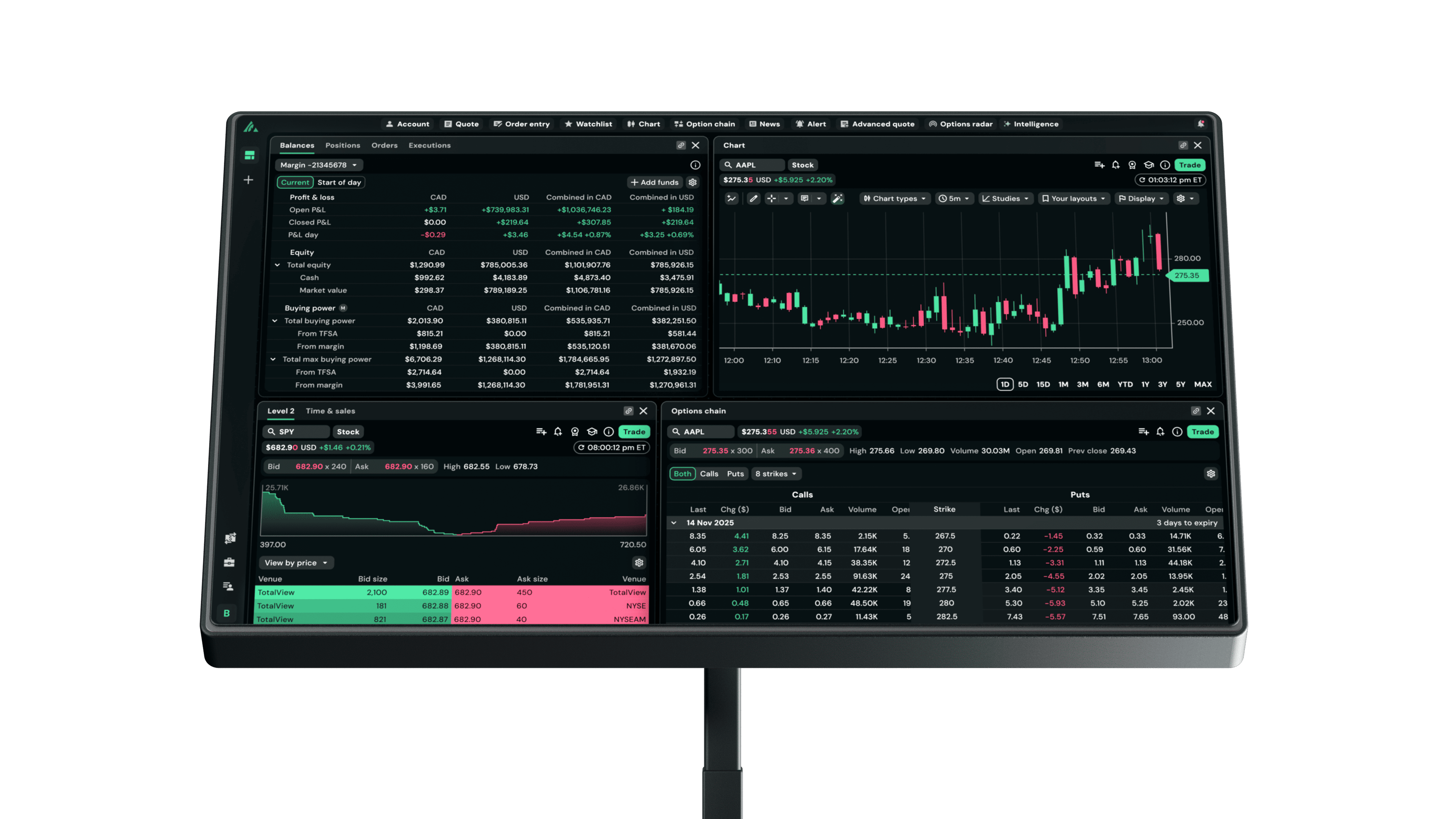
Made for the way you trade
Charts. Options. Research.What if it all worked in your favour?
Auto Pattern Detection
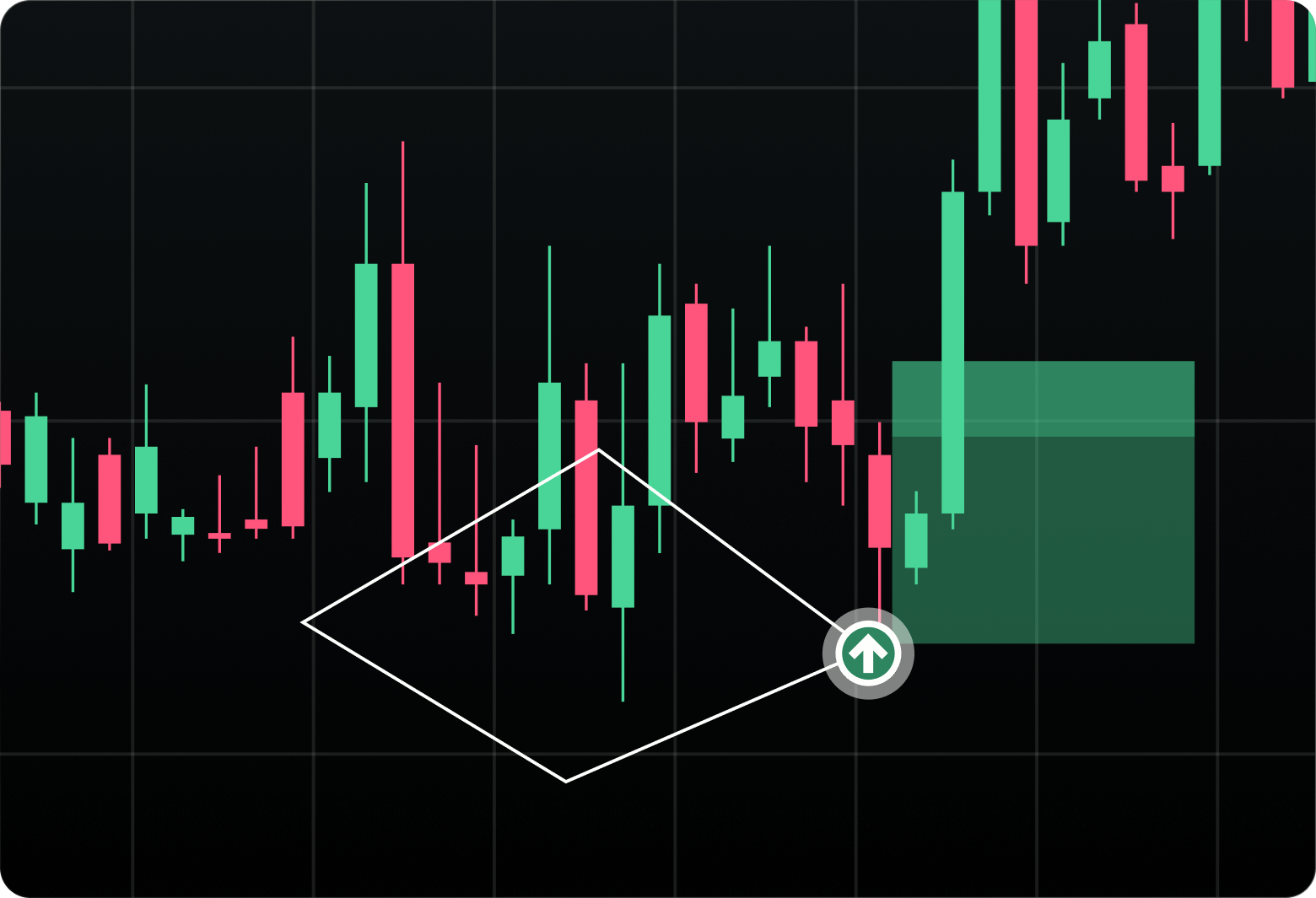
What if your chart found trades for you? These ones do. Pro draws support and resistance lines automatically, mapping common patterns the moment they form.
Familiar tools. Different standard.
Every tool an advanced trading platform needs, rebuilt with fewer clicks, more precision, and deeper data.
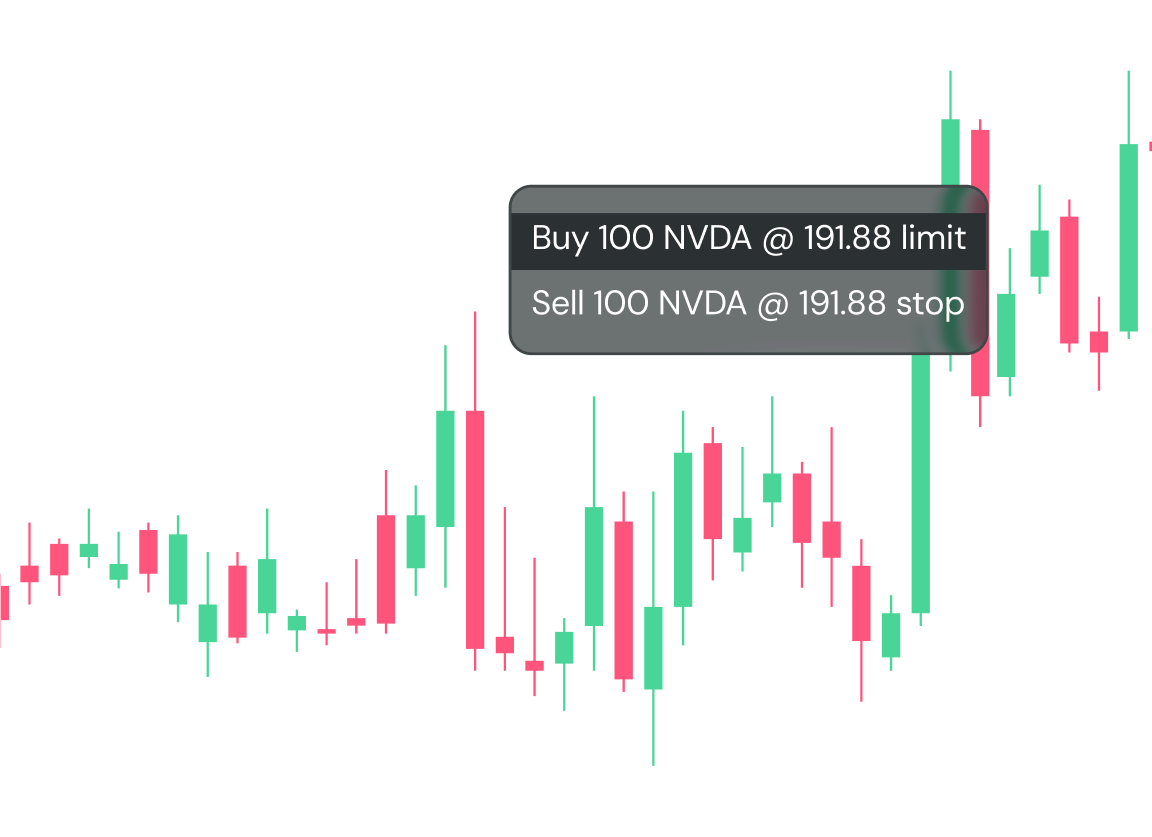
Chart trading
Order entry that lives where your analysis lives. Point, click, trade.
Hot Buttons
Place orders with a single click. Bind keyboard shortcuts to your most used buttons.
.png?Status=Temp&sfvrsn=a00638bf_2)
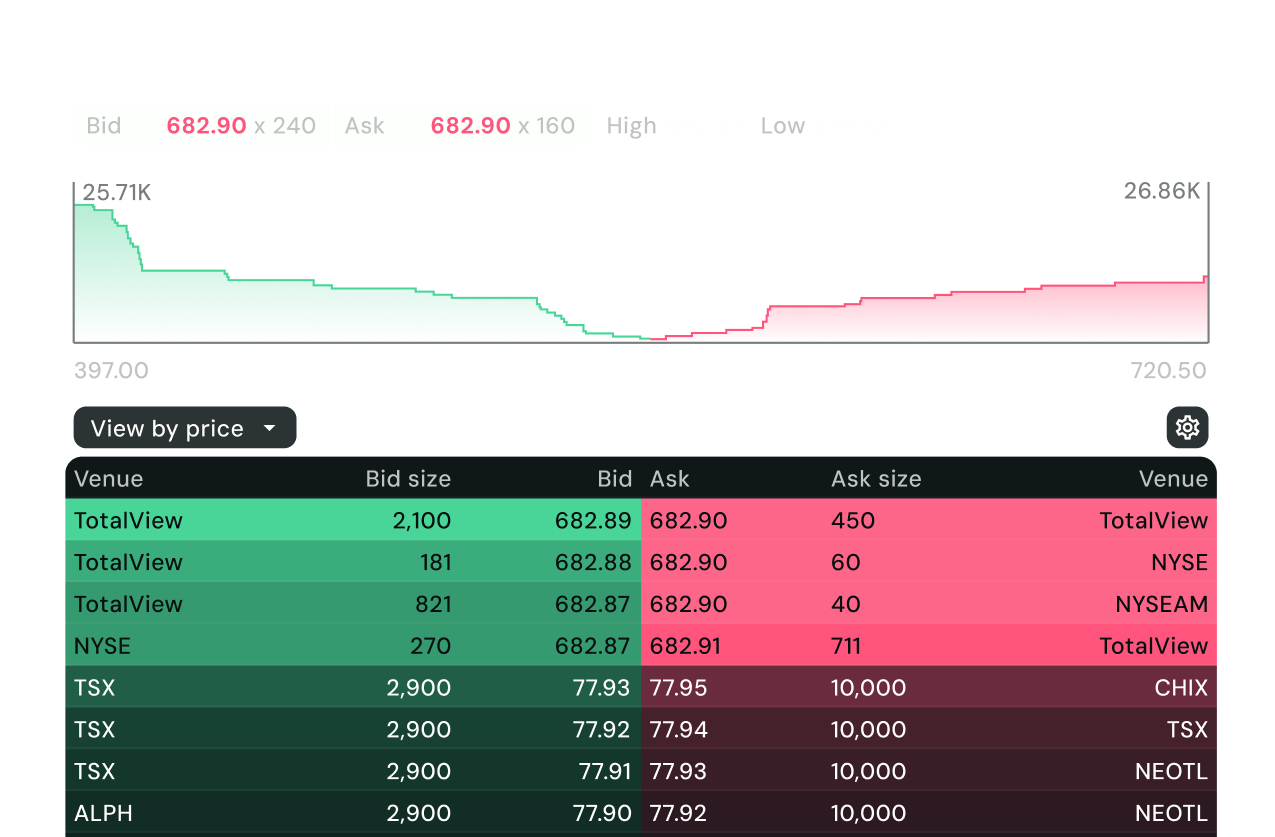
Market depth
Real-time transaction data. Monitor every trade's price, size, and direction as it happens.
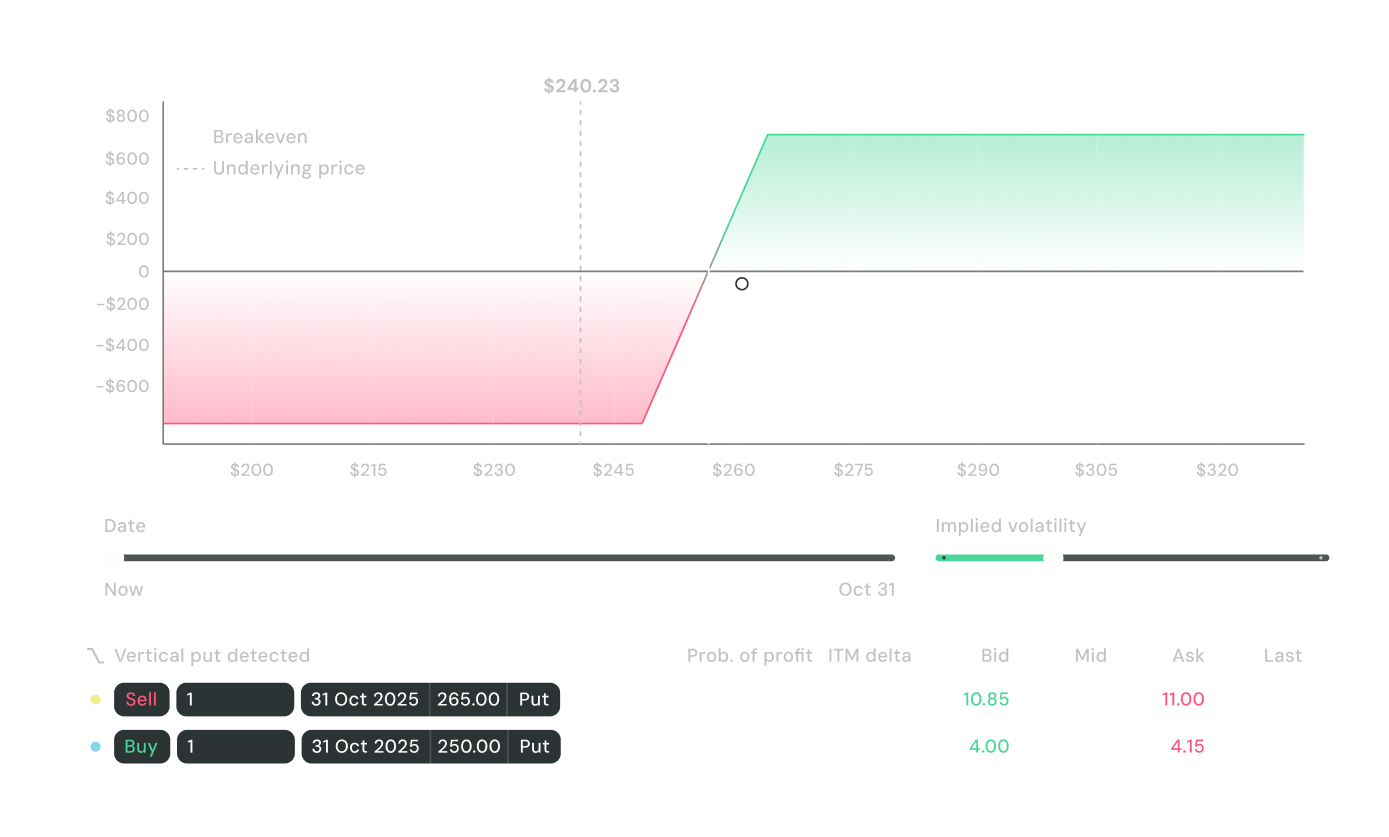
Strategy Builder
Complex strategies, clear decisions. Build, preview, and place multi-leg options from a single interface.
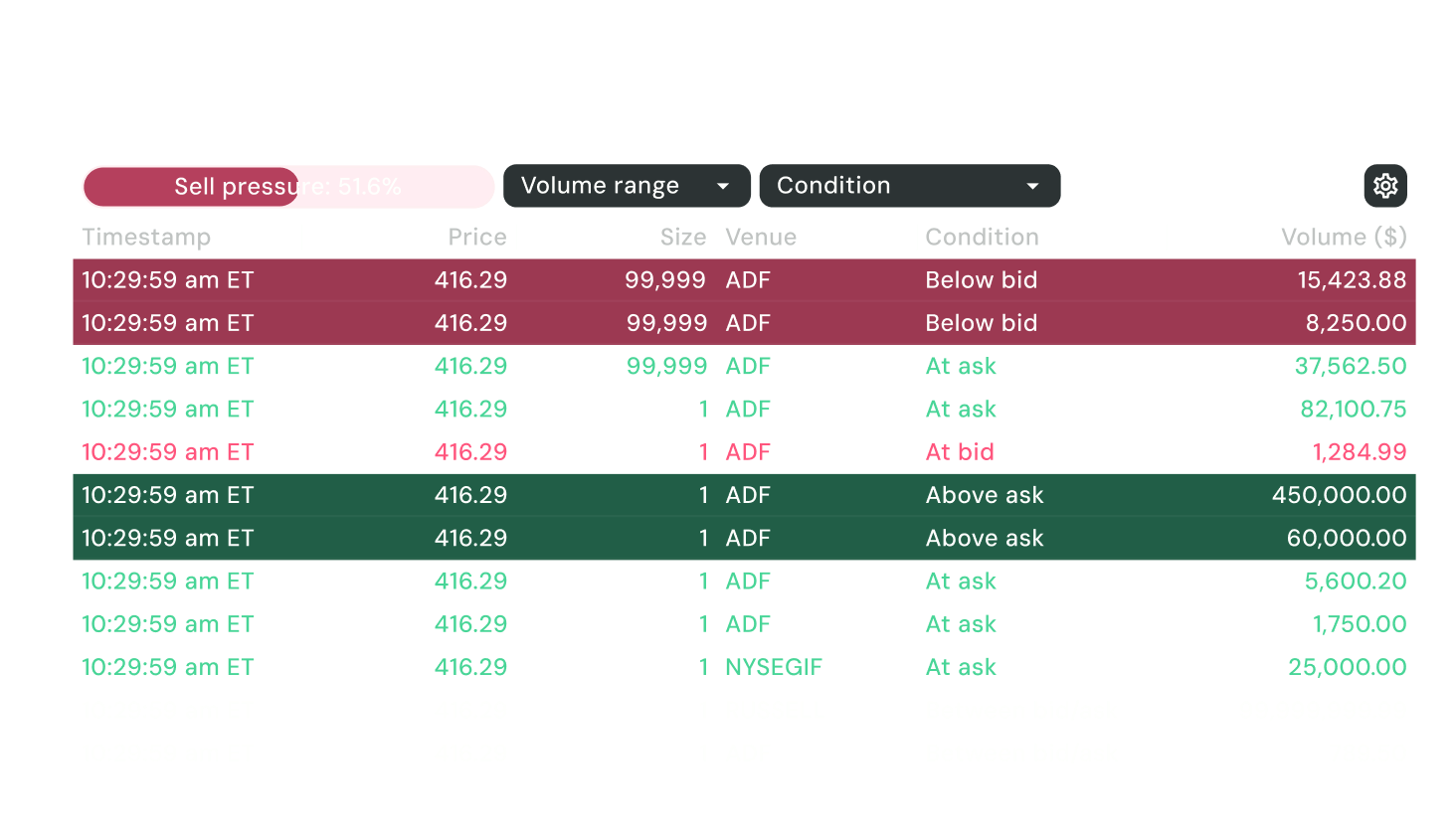
Time & Sales
Prices show what happened. Level 2 Data is live. See real-time buying pressure, selling walls, and momentum shifts.
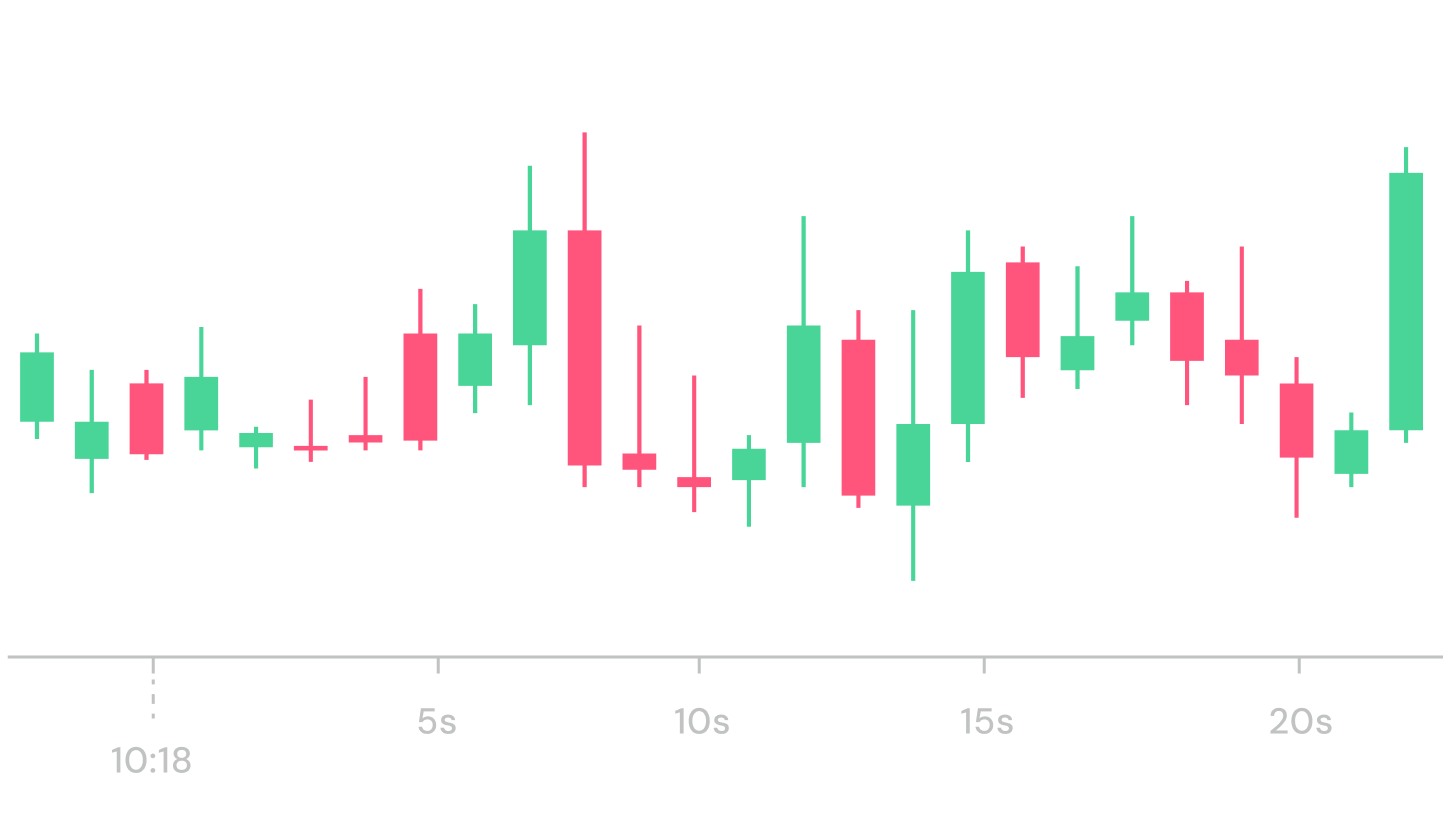
1-second candles
The most granular price action possible. Capitalize on micro-movements that higher timeframes hide.
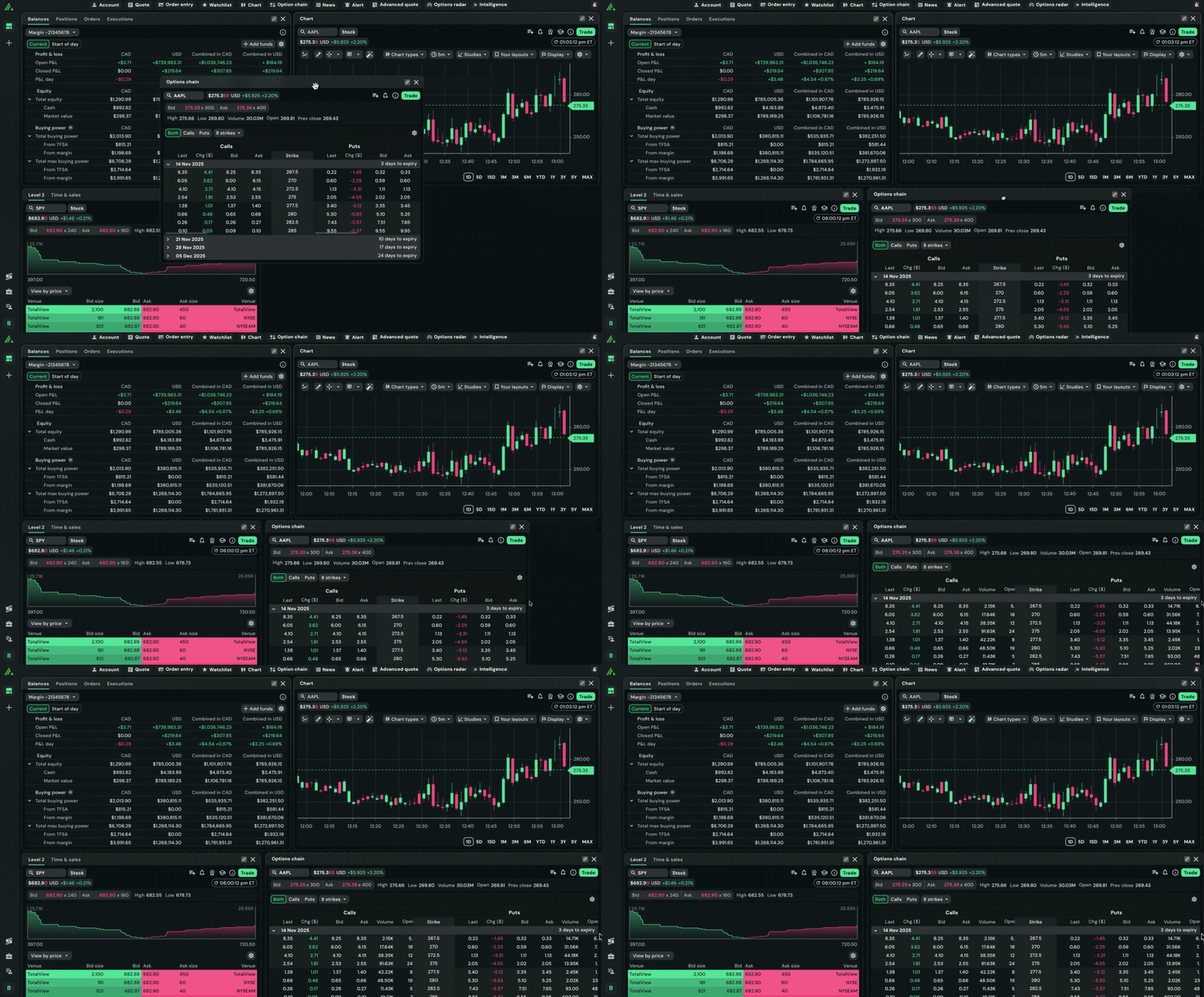
CUSTOMIZABLE WORKSPACES
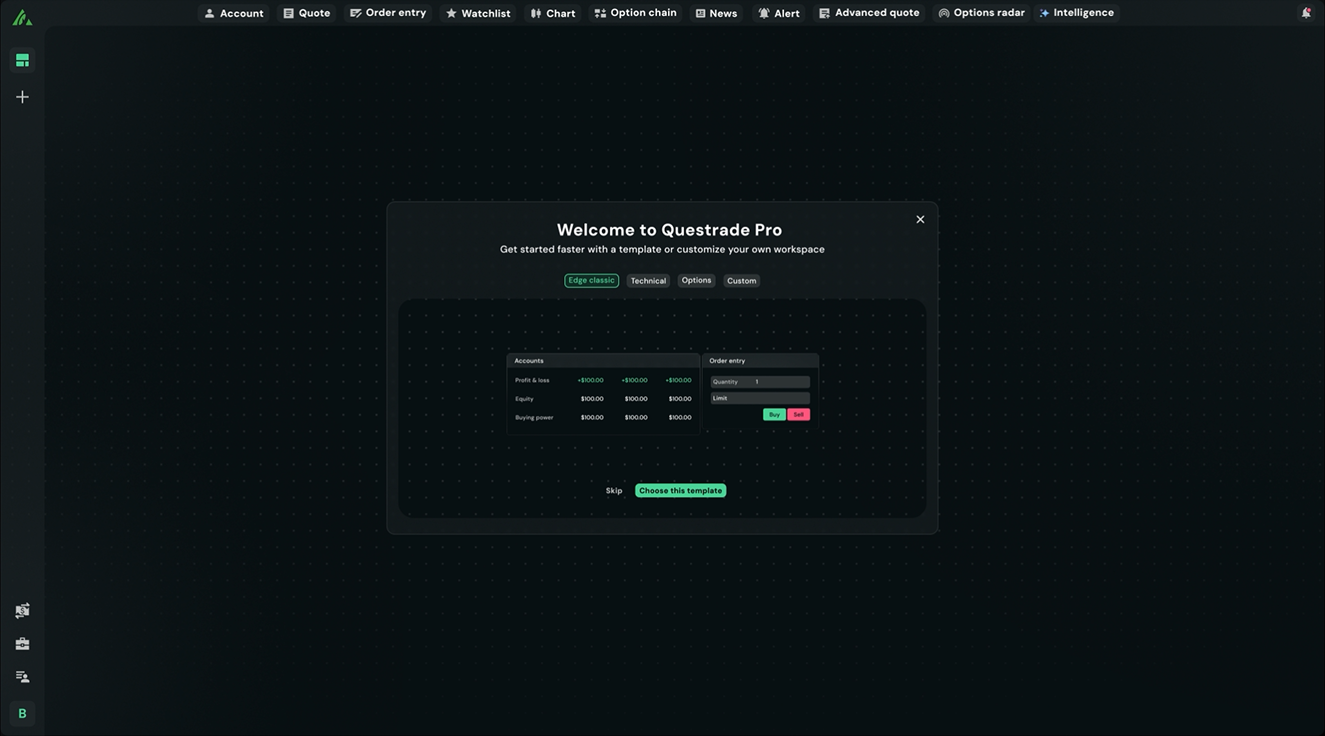
Performance is personal
See the market through your lens—not someone else's. Shape your workspace around your process and your priorities.
Taking trading's next step, together
This evolution isn't happening behind closed doors. It's happening with you.Here's what real Pro users are saying.
.png?Status=Temp&sfvrsn=c9033abf_2)
NOW IN OPEN BETA
FREE TO USE
Be part of where trading goes next. All you need is a Questrade account.
Get Started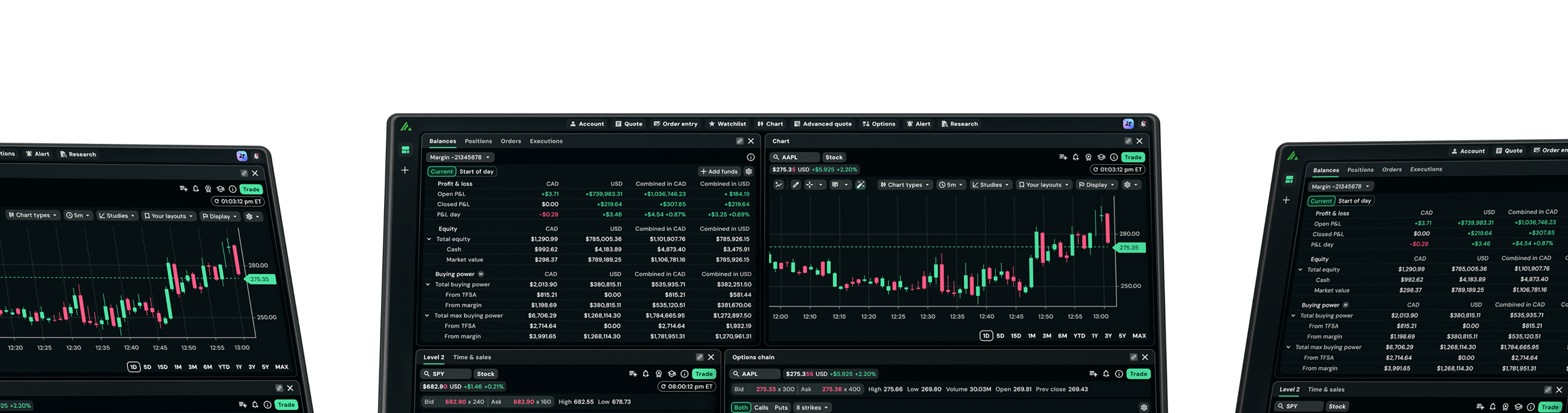
More questions about Pro?
Questrade Pro is the next step in Canadian trading—a customizable, browser-based platform built to put traders in control of their performance.
It brings together advanced charting, AI-powered research, automated pattern detection, and options tools, all in a single workspace you configure to match exactly how you trade.
Deep analysis, done in seconds. No downloads. No compromises.
Questrade Pro is the next evolution of our trading platforms.
It merges all the most powerful features Edge Web and Edge Desktop into one browser-based experience—then adds capabilities that neither had like Auto Pattern Detection, Pro Intelligence (AI research), and Options Radar.
No download. No install. Just open your browser and trade.
There’s no added cost to use Pro. If you’re a Questrade customer, it’s yours. Some features though, like Intelligence and Level 2 market data, may cost an additional fee.
Yes, you need a Questrade account to use Questrade Pro.
Questrade Pro is built to make trading more efficient, from idea to execution.
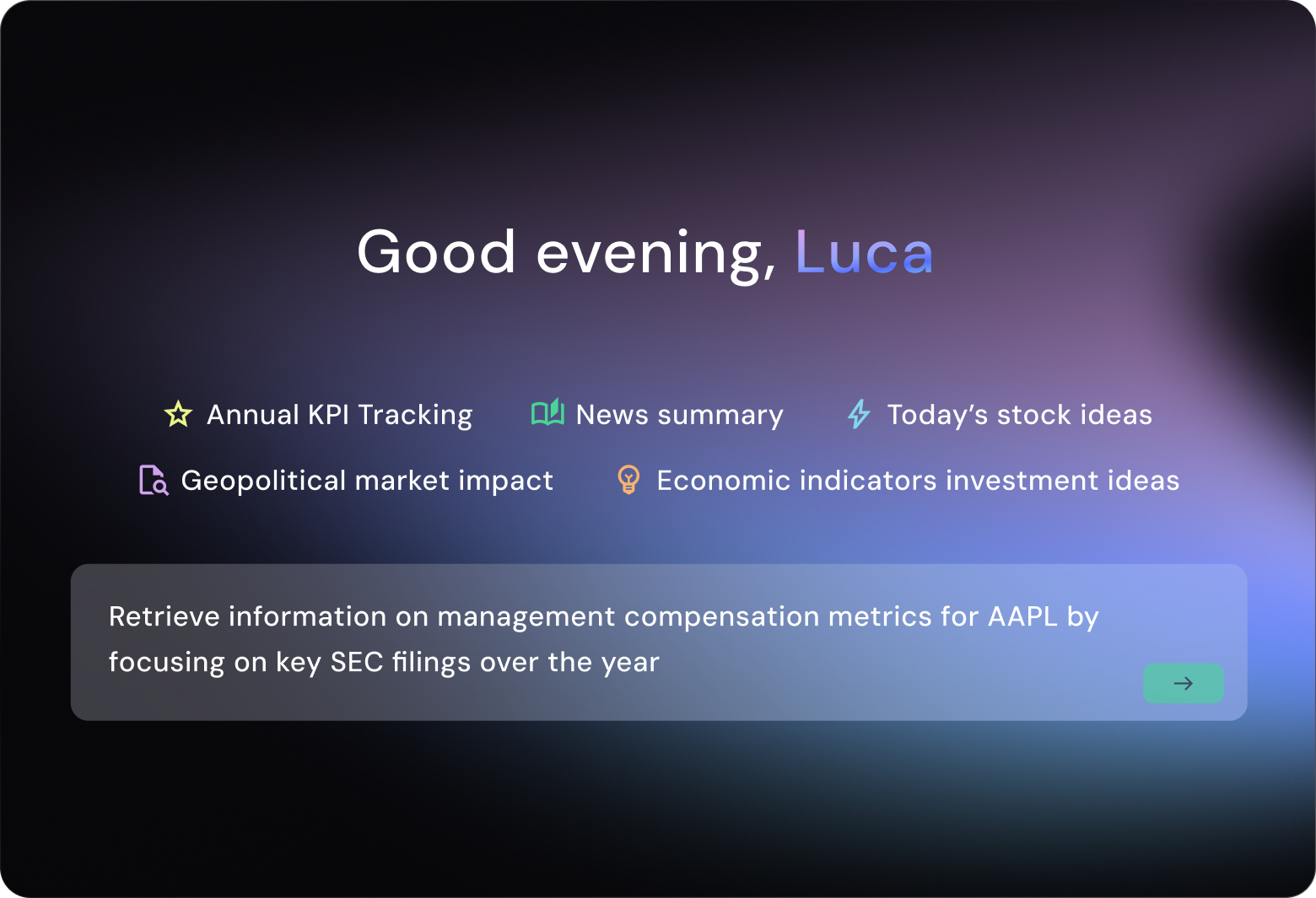
- AI-powered research: Pro Intelligence lets you ask plain-language questions and get answers grounded in financial data like earnings reports, filings, news, and more.
- Automated chart analysis: Auto Pattern Detection maps support and resistance levels and identifies technical patterns on your charts the moment they arise.
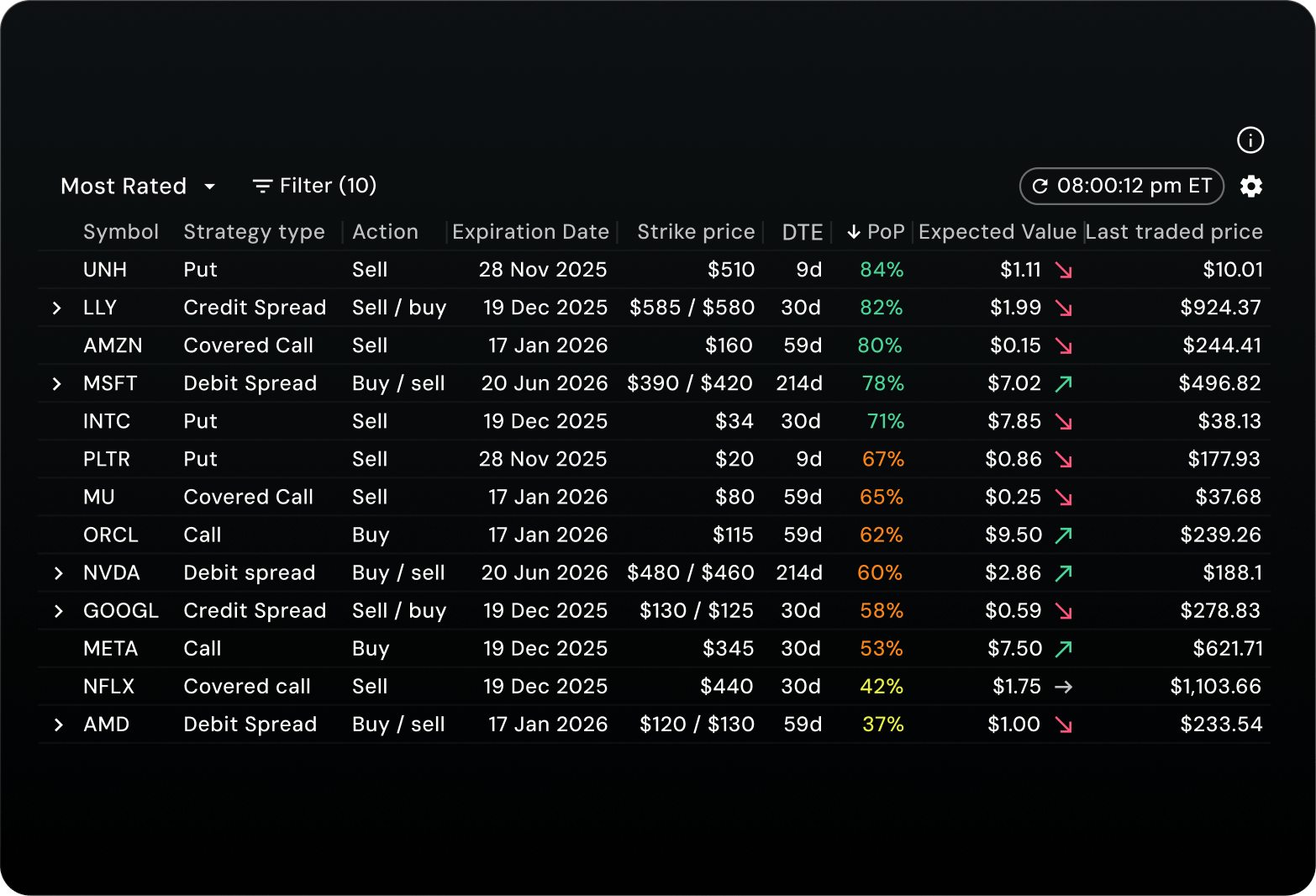
- Options discovery: Options Radar surfaces options ideas with filtering and sorting capabilities, like probability of profit and estimated risk, so you spend less time scanning and more time trading.
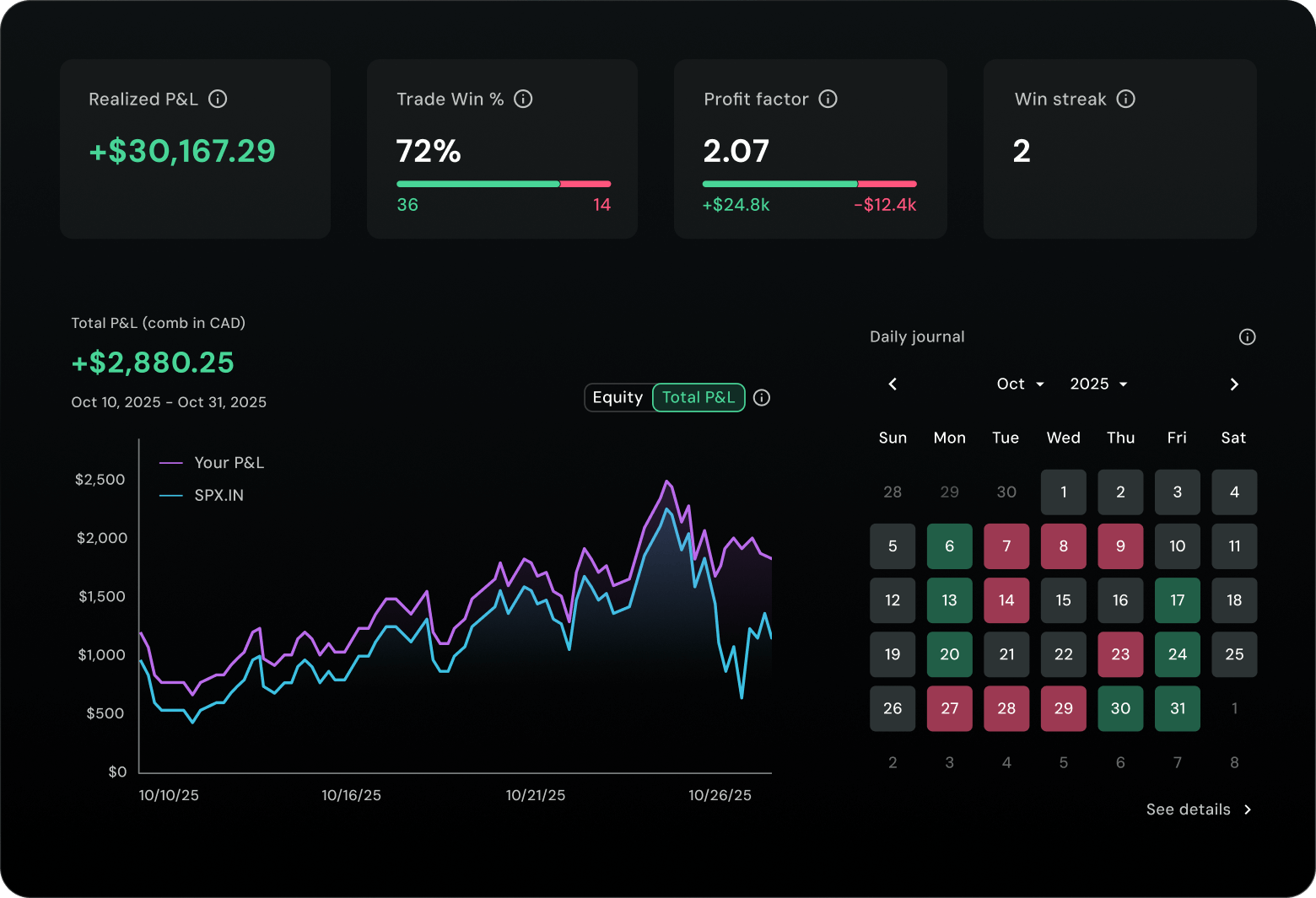
All of this inside a workspace you configure yourself. Every widget, every layout, arranged the way you work.
Widgets are the building blocks of the Pro workspace.
Each one is a distinct tool—a chart, an options chain, a market depth view, a research panel—that you can add, remove, and arrange however you want.
Instead of navigating between screens, you build one workspace that has everything you need, exactly where you need it. Your setup, your way.
Yes—Questrade Pro is our best options trading experience yet. Featuring an all-new Strategy Builder to streamline multi-leg orders, a redesigned options chain, and Options Radar for surfacing new trade ideas on demand, Pro has what you need to trade options.
Whether you're trading single-leg contracts or complex strategies, Pro reduces the time it takes to trade and give you clarity before you commit.
Questrade Pro supports the same market data packages available across Questrade's platforms:
- Standard (free): Snap quotes, plus some streaming data
- Real-time streaming ($9.95 CAD/mo): Adds streaming Level 1 data for U.S. options and additional exchanges
- Advanced streaming ($44.95 USD/mo): Adds Level 1 and Level 2 data for multiple exchanges
You can manage your market data package from your Questrade account settings.
The core Pro experience is available now: advanced charting, real-time data widgets, options tools including the Strategy Builder, and more.
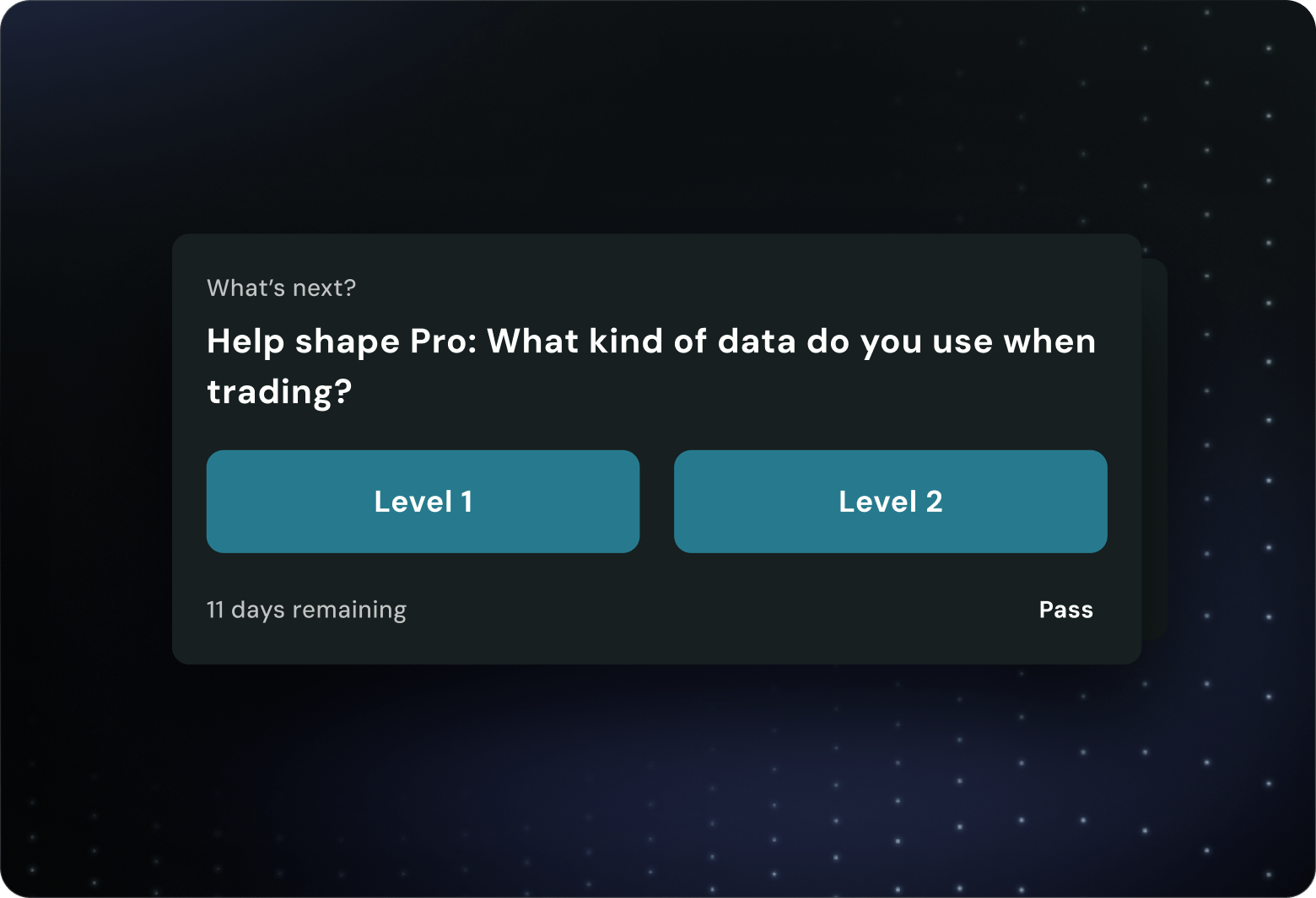
But Pro is built to grow. New features and refinements are rolling out throughout 2026 — and because Pro is in Open Beta, you'll have a direct line to shape what comes next through the Community Hub.
Questrade Pro is browser-based, so there’s nothing to download. But, for the best experience with real-time data and multi-chart workspaces, these specs are recommended.
Supported browsers (latest versions recommended):
- Chrome: 146+
- Edge: 145+
- Safari: 26+
- Firefox: 148+
Supported operating systems:
- Windows 11
- macOS Sequoia (v15 or newer)
Recommended hardware:
- CPU: Intel Core i7, AMD Ryzen 7 (5000 series+), Apple M1, or better
- RAM: 16 GB or more
- Graphics: Integrated (Intel Iris Xe / AMD Radeon) or dedicated GPU
- Display: 60 Hz, 95–110 PPI or better. Multi-monitor supported.
Make sure hardware acceleration is turned on in your browser settings, as Pro uses advanced chart rendering that relies on it. If you’re running multiple workspaces, keep your device plugged in to avoid battery-saver throttling.
Questrade Pro streams market data in real time, so your connection matters. Standard home internet works fine, but a few things can cause lag:
- VPNs: Disable them while trading. VPNs route traffic through extra servers, which adds latency to live quotes and charts. Some VPN providers also throttle high-bandwidth connections.
- Firewalls and corporate networks: If you're trading from an office or secured network, make sure your firewall allows WebSocket (WSS) connections. Without them, live pricing won't stream.
- Ad blockers and privacy extensions: Some can block data scripts Pro needs to load. If you're seeing loading issues, try disabling them for the platform.
- Wi-Fi vs. Ethernet: For the most reliable experience — especially during market open and close — a wired Ethernet connection reduces packet loss and jitter.
You may also be prompted to enable local network access depending on your connection type.